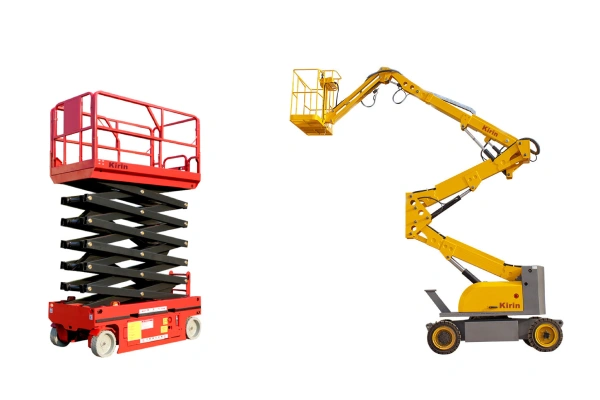
Whether you are working in construction, warehousing, or facility maintenance, the ability to operate high-reaching machinery safely and efficiently is a vital skill. At the heart of this operation lies a mastery of scissor lift controls. While these machines may look straightforward, the interface that governs their movement is a sophisticated system designed to balance productivity with rigorous safety standards.
In this guide, we will dive deep into everything you need to know about scissor lift controls, from the basic layout of the control panel to troubleshooting common mechanical hiccups.
What Are Scissor Lift Controls?
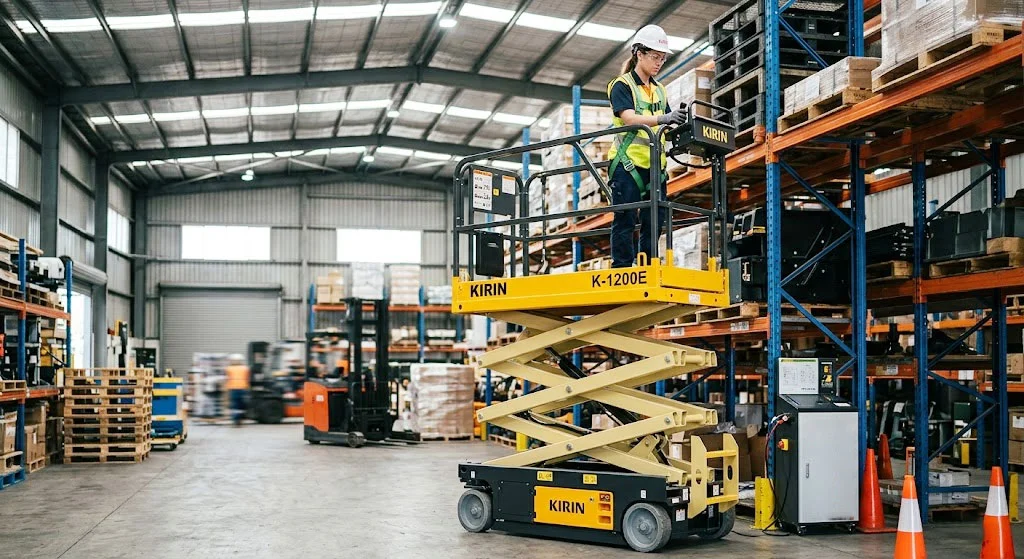
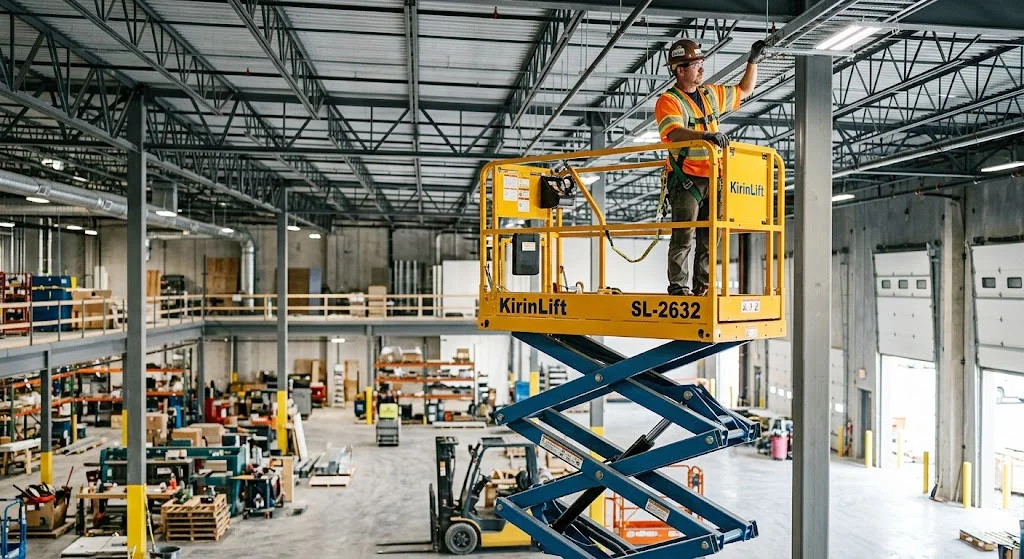
Scissor lift controls are the interface between the operator and the hydraulic and electrical systems of the lift. They consist of two primary stations: the ground control station and the platform control station. These systems allow the operator to lift the platform vertically, drive the unit across the worksite, and steer the wheels to navigate tight spaces.
Modern scissor lift controls are designed with “deadman” safety features—meaning the machine will not move unless a specific trigger or foot switch is engaged. This prevents accidental movement if a control is bumped. Understanding how these inputs translate into mechanical action is the first step toward becoming a proficient operator.
Main Types of Scissor Lift Controls
To ensure maximum safety, scissor lifts are equipped with redundant control systems. If a worker becomes incapacitated on the platform, the ground crew must be able to take over.
Ground Controls
The scissor lift ground controls are located on the base of the machine. These controls are primarily used for pre-operation testing, warming up the machine, or lowering the platform in the event of an emergency. Most ground stations include a keyed switch that allows you to toggle power between the base and the platform.
Platform Controls
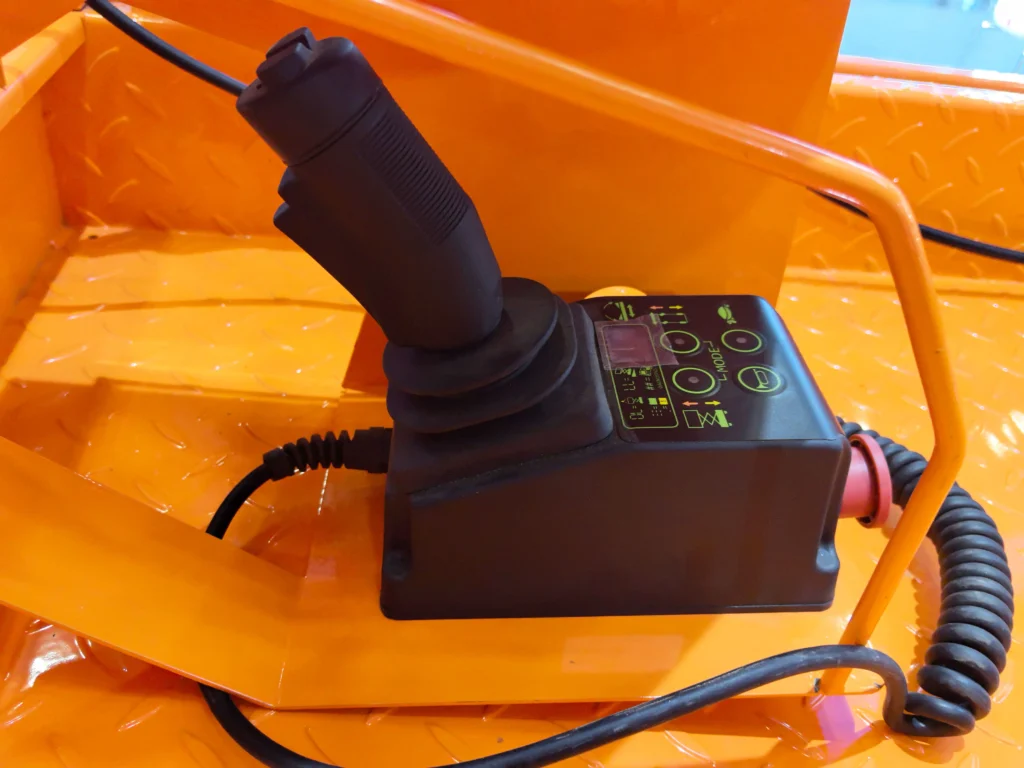
The platform controls are the primary interface used during active work. This is typically a removable box or a fixed console located on the guardrails of the platform. It features a joystick for driving and steering, as well as toggle switches or buttons for the scissor lift up and down controls.
Emergency Controls
Safety is paramount when working at heights. Every lift is equipped with emergency scissor lift controls, most notably the “E-Stop” (Emergency Stop) button. These are large, red, mushroom-shaped buttons located at both the ground and platform levels. Pushing this button cuts all power to the functions immediately. Additionally, there is a manual lowering valve or pull-cable used to descend if the electrical system fails.
Common Scissor Lift Control Functions
While different brands (like Kirin, JLG, Genie, or Skyjack) may have slight variations, most scissor lift controls share a standardized set of functions.
Lift Up and Down Controls
The scissor lift up and down controls manage the hydraulic fluid flow into the lift cylinders. On most modern units, you must first select “Lift Mode” on the control box and then use the joystick or a toggle switch to raise or lower the deck.
Drive and Steering Controls
When the lift is in “Drive Mode,” the joystick controls the forward and backward motion. To turn, there is usually a thumb rocker switch on top of the joystick. This allows for precision steering, which is essential when navigating around floor debris or other workers.
Tilt and Stability Indicators
High-quality scissor lift controls include a tilt sensor. If the machine is on an incline that exceeds its safety rating, an alarm will sound, and the scissor lift controls may automatically disable the lift function to prevent a tip-over.
Horn and Safety Alerts
The horn is a required safety feature used to alert pedestrians when the lift is moving through blind spots. Most scissor lift controls also include an automatic motion alarm that beeps whenever the unit is driving or descending.
Battery and Power Indicators
For electric models, the scissor lift controls feature a LED or digital display showing the remaining battery life. For diesel or gas models, this may include fuel gauges and engine temperature warnings.
Understanding the Scissor Lift Control Panel
To the uninitiated, the control panel can look like a jumble of icons. However, looking at a scissor lift controls diagram reveals a logical layout.
| Component | Function |
| System Enable Switch | Must be held to activate any movement (often a trigger on the joystick). |
| Emergency Stop | Cuts all power to the machine instantly. |
| Function Select | Switches the joystick between “Drive” and “Lift” modes. |
| Speed Dial | Adjusts how fast the machine drives or lifts. |
| Indoor/Outdoor Mode | Adjusts wind-speed sensitivity and lift height limits. |
How to Operate Scissor Lift Controls Safely
Learning how to operate scissor lift controls requires more than just knowing which button does what; it requires a disciplined safety mindset.
Pre-Operation Inspection
Before touching the scissor lift controls, perform a walk-around. Check for hydraulic leaks, cracked welds, and tire integrity. Ensure the scissor lift safety controls, such as the emergency stop and the limit switches, are functioning correctly at the ground level before ascending.
Safe Startup Procedures
- Check that the Emergency Stop buttons are pulled out.
- Turn the base key switch to “Platform.”
- Enter the platform and attach your fall protection lanyard to the designated anchor point.
- Test the scissor lift up and down controls at a low height before fully elevating.
Best Practices During Operation
- Maintain Line of Sight: Always look in the direction of travel.
- Avoid Overloading: The scissor lift controls are calibrated for specific weight limits. Overloading can cause the lift to become unresponsive or tip.
- Smooth Inputs: Avoid “jerking” the joystick. Use gradual movements to prevent the platform from swaying.
Proper Shutdown Procedures
When finished, lower the platform completely using the scissor lift up and down controls. Press the E-Stop to prevent battery drain, and turn the key switch to the “Off” position. If the unit is electric, plug it into a charging station.
Common Problems With Scissor Lift Controls
Even well-maintained machines can encounter issues. Recognizing these early can prevent accidents.
Unresponsive Controls
If the scissor lift controls don’t respond, first check the E-Stop. It is the most common “false” failure. If that isn’t the issue, check the “System Enable” trigger. If neither works, there may be a blown fuse or a disconnected wire in the control cable.
Faulty Joysticks or Buttons
Joysticks are prone to wear and tear. If the machine moves “jumpily” or continues to crawl after you release the stick, the joystick may be failing and needs immediate replacement.
Sensor and Alarm Malfunctions
Sometimes the tilt alarm will sound even on level ground. This usually indicates a calibration issue with the scissor lift safety controls or a faulty limit switch that falsely detects the platform is not stowed correctly.
Battery or Power Supply Problems
Low voltage can cause scissor lift controls to act erratically. You might find the lift can go up but doesn’t have enough power to drive, or the solenoids might “click” without engaging.
Maintenance Tips for Scissor Lift Controls
To extend the life of your scissor lift controls, follow these maintenance steps:
- Keep it Dry: If working outdoors, use a control box cover. Water is the enemy of electrical circuits.
- Clean the Terminals: Check for corrosion on the battery terminals and the plugs connecting the control box to the base.
- Inspect the Coil Cord: The cable connecting the platform controls to the base is constantly stretching. Look for frays or kinks.
Choosing a Scissor Lift With User-Friendly Controls
When renting or buying, look at the scissor lift controls by manufacturers. Some brands prioritize digital displays with diagnostic codes, which can be incredibly helpful for troubleshooting on-site without a mechanic. Others prefer tactile toggle switches, which are easier to operate while wearing heavy work gloves. Finding a manufacturer that balances simplicity with robust safety features is key to long-term productivity.
Frequently Asked Questions About Scissor Lift Controls
How do scissor lift controls work?
Scissor lift controls send electrical signals to hydraulic valves. When you push the “up” button, a valve opens to allow pressurized oil into the cylinders. When you use the drive joystick, it sends signals to electric motors or hydraulic drive hubs in the wheels.
What should you do if the controls stop responding?
If the scissor lift controls fail while you are elevated, stay calm. Use your radio to alert ground personnel. They can use the scissor lift ground controls or the manual emergency lowering valve to bring you down safely.
Are scissor lift controls difficult to learn?
Most operators find scissor lift controls intuitive after a few hours of supervised practice. However, OSHA requires formal certification to ensure you understand the safety nuances behind the buttons.
Can weather affect control performance?
Yes. Extreme cold can make hydraulic fluid sluggish, causing the scissor lift controls to feel delayed. Moisture from rain can also short-circuit unsealed control boxes.
How often should controls be inspected?
Scissor lift controls must be inspected daily before every shift. A more thorough annual inspection by a qualified technician is also required by law.
Conclusion
Mastering scissor lift controls is about more than just moving a platform; it is about ensuring the safety of yourself and everyone on the job site. By understanding the difference between scissor lift ground controls and platform stations, recognizing the icons on a scissor lift controls diagram, and following strict safety protocols, you can operate these powerful machines with confidence.
Always remember: if the scissor lift controls feel “off” or unresponsive, stop work immediately. Safety is never worth a shortcut. For more information on specific models or to find the right equipment for your next project, feel free to reach out to our team.
Email: info@klingtec.com
WhatsApp: +86 188 6686 3188